ImgForge
A downloadable tool for Windows
🎨 ImgForge – Your All-in-One Image Toolkit
🔧 What is ImgForge?
ImgForge is a lightweight, standalone image conversion tool built for power users and creatives alike. Whether you're preparing assets for a game, optimizing artwork, or batch-converting image folders, ImgForge gives you full control over the process—fast, clean, and reliable.
✨ Key Features
✅ Batch Convert Multiple Formats
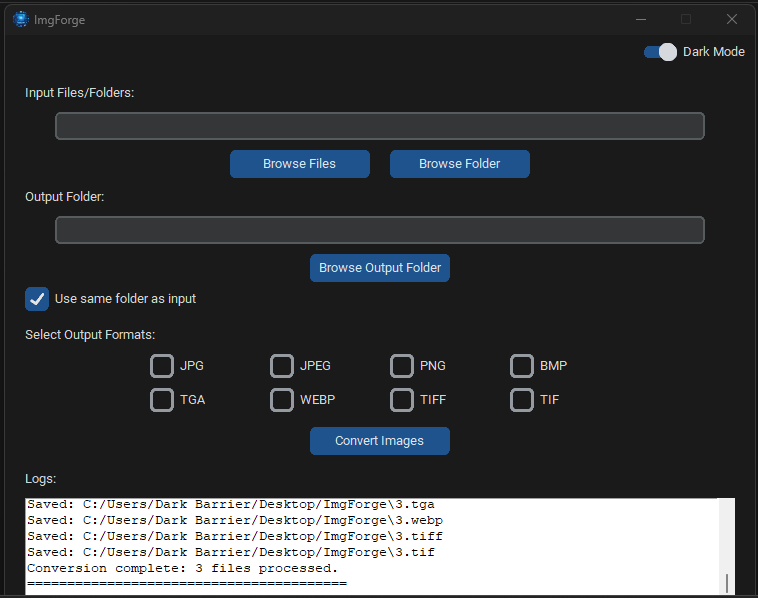
Convert images between the following formats: JPG, JPEG, PNG, BMP, TGA, WEBP, TIFF, TIF.
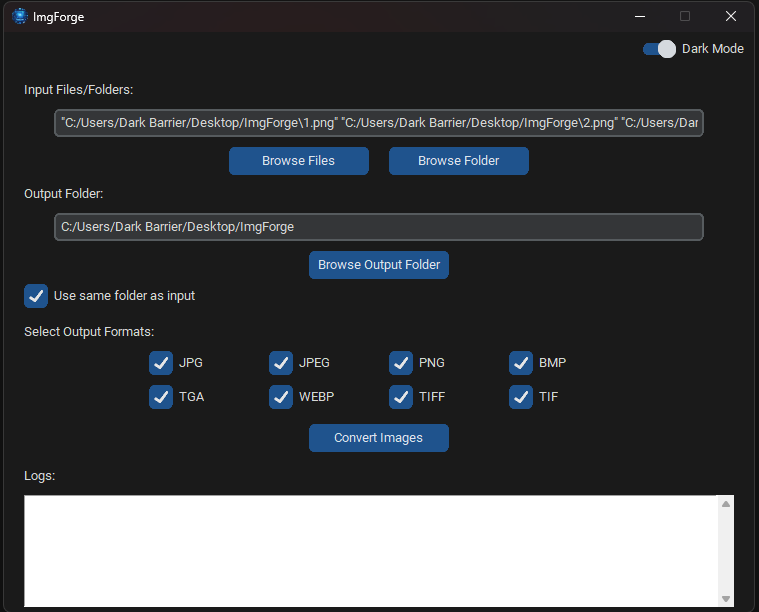
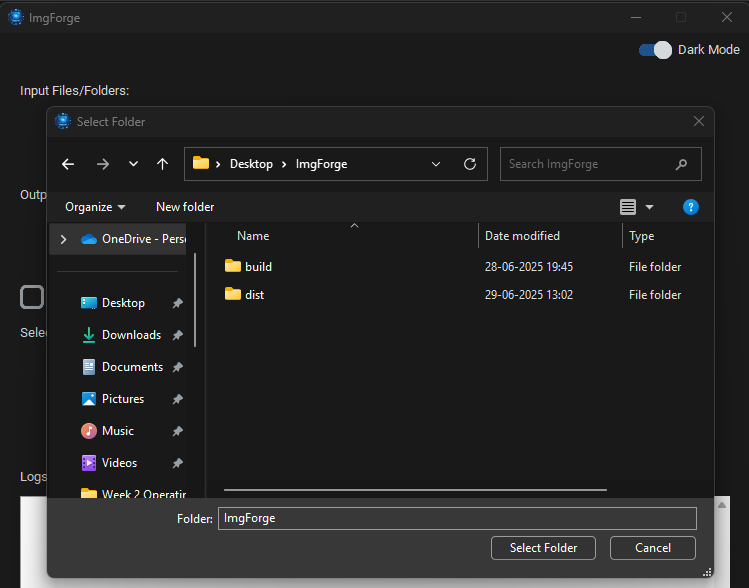
✅ Folder and File Input Support Easily select individual files or entire folders. Duplicates are automatically ignored.
✅ Multi-Format Export Export to multiple selected formats in one go.
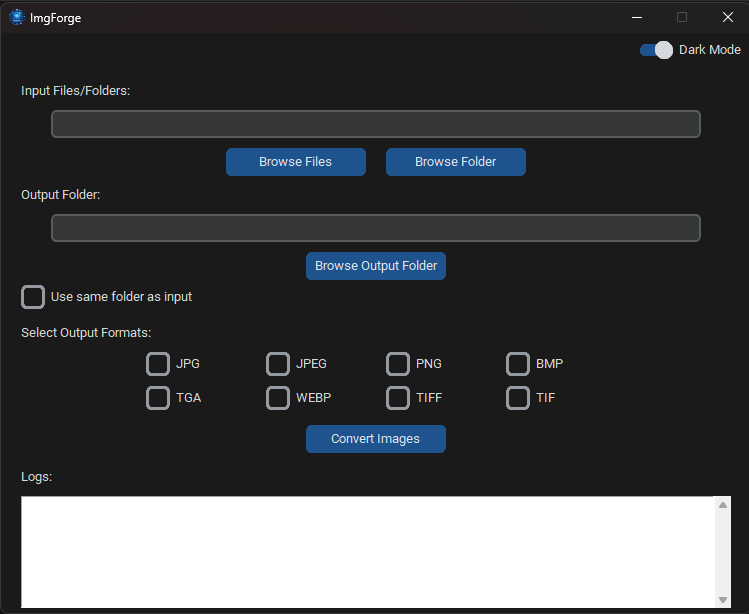
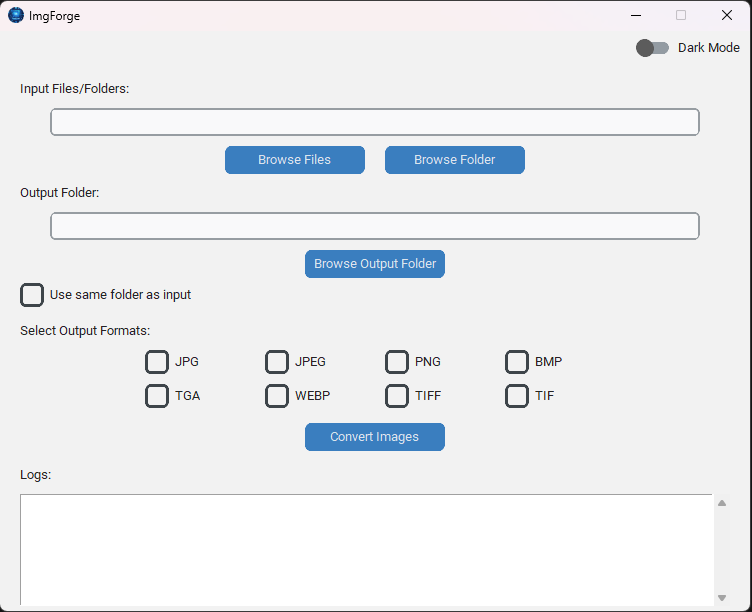
✅ Dark/Light Mode Toggle
Comes with modern UI using customtkinter, including theme switch support for better visibility and comfort.
✅ Use Same Folder Option Option to save output in the same folder as the input images.
✅ Progress Logging Detailed real-time logs displayed for every file converted, errors included.
✅ Automatic Mode Handling Smart color mode conversion (e.g., RGBA to RGB) for compatibility when exporting JPEGs or other formats.
✅ Portable and Offline
No installation or internet required—just run the .exe and start converting.
🖥️ System Requirements
-
OS: Windows 10 or later
-
Python-Free: Fully compiled
.exewith all dependencies bundled (PyInstaller) -
No Admin Rights Needed
🧪 Known Issues
Some antivirus engines (e.g., Microsoft Defender) may falsely flag ImgForge.exe due to its unsigned nature. This is a false positive caused by PyInstaller bundling. The app is safe and clean — you can verify it via VirusTotal if needed.
💡 Tip: To avoid issues, consider whitelisting the app or running it from a trusted folder.
🗜️ How to Use
-
Launch
ImgForge.exe. -
Select your images or an entire folder.
-
Choose output formats.
-
Set your output directory, or tick “Use same folder as input”.
-
Click “Convert Images” and watch the logs.
That’s it — your images will be forged into new formats!
🧑💻 Credits
Developed with ❤️ by Dark Barrier using Python, Pillow, and customtkinter.
Download
Click download now to get access to the following files:
Development log
Leave a comment
Log in with itch.io to leave a comment.